You open HubSpot to explore a new feature. Before long, you’re wondering whether you need a different hub, another seat, or more credits.
You came looking for something that would make your work easier. Now you have homework.
Let’s clear a little of that up.
The quick answer: What’s the difference between HubSpot hubs, seats, and credits?
Hubs provide business capabilities. Seats provide individual user access. Credits provide usage capacity for certain agents and features.
Together, they help answer three questions: Does our subscription include this capability? Can the right person access it? Does using it consume credits?
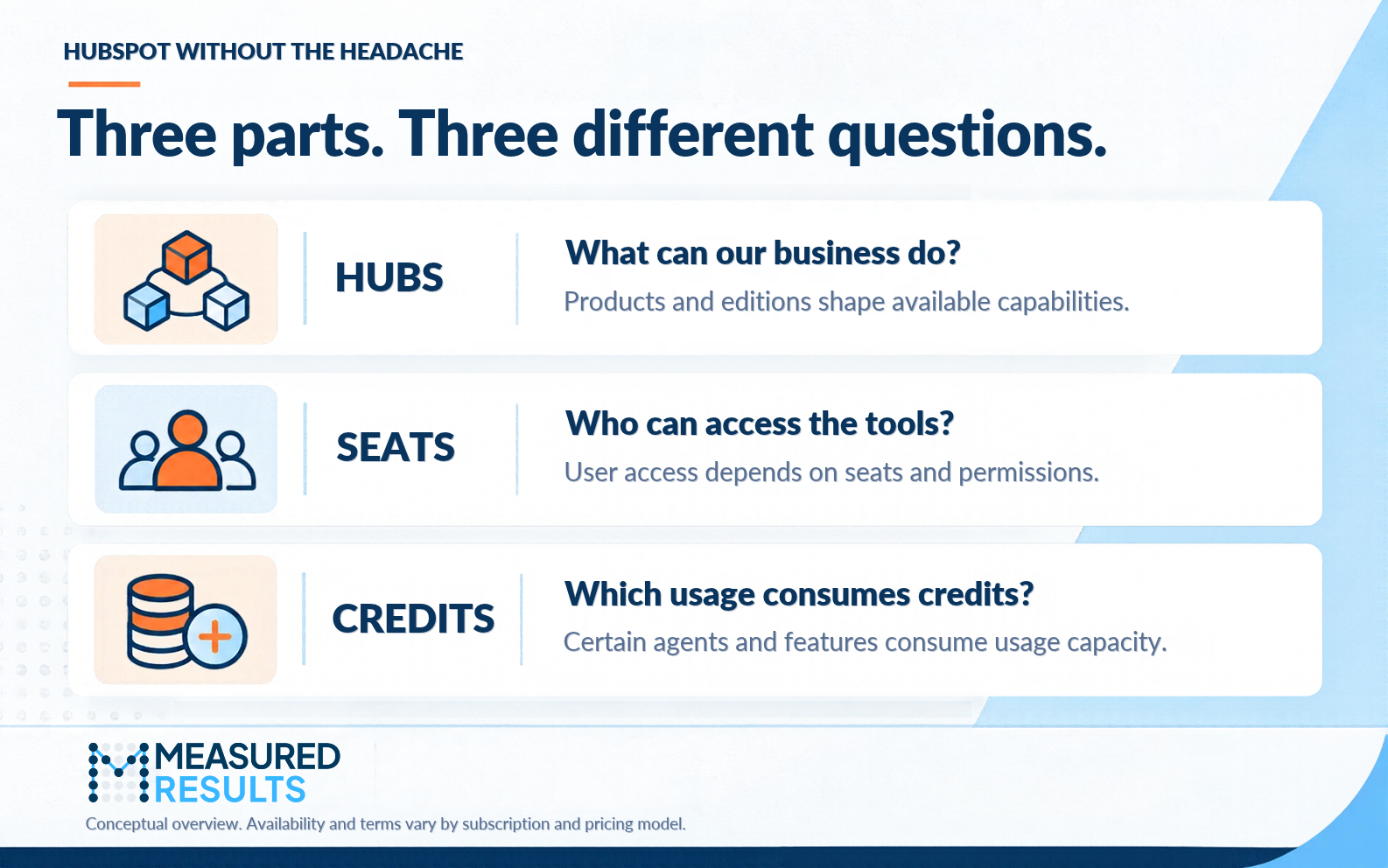
Three parts of your HubSpot subscription, each answering a different question. Illustration by Measured Results.
What are HubSpot hubs?
Hubs are HubSpot’s product groupings, built around work such as marketing, selling, customer service, content, data management, and revenue collection.
The edition you purchase (such as Starter, Professional, or Enterprise) also affects the capabilities and limits available. Explore HubSpot’s product catalog.
Start with the job you need done. “We need to follow up with new leads consistently” is a more useful starting point than “Which package has the longest feature list?”
That gives you a practical way to evaluate both the hub and its edition.
What are HubSpot seats?
Seats determine which tools individual users can access within your subscription. Permissions determine the specific actions they’re allowed to take.
Under HubSpot’s standard seats model, options include Core, Sales, Service, Revenue, and View-Only seats. Available seat types depend on your subscription and pricing model. Review HubSpot’s seat guidance.
A marketing manager building campaigns, a salesperson managing outreach, and an executive reviewing results have different needs. Assign access around the work each person performs.
Buying a capability for the business and giving someone access to it are related decisions. Check both.
What are HubSpot Credits?
HubSpot Credits are usage capacity consumed by certain agents and features when they perform specified actions.
Some subscriptions include a monthly allowance. Credit requirements vary by feature and pricing model, so check the action that consumes credits before enabling it. Unused credits do not roll over into the next month. Learn how HubSpot Credits work.
Does every AI feature use credits? No. Check the particular feature rather than assuming everything labeled “AI” has the same usage rules.
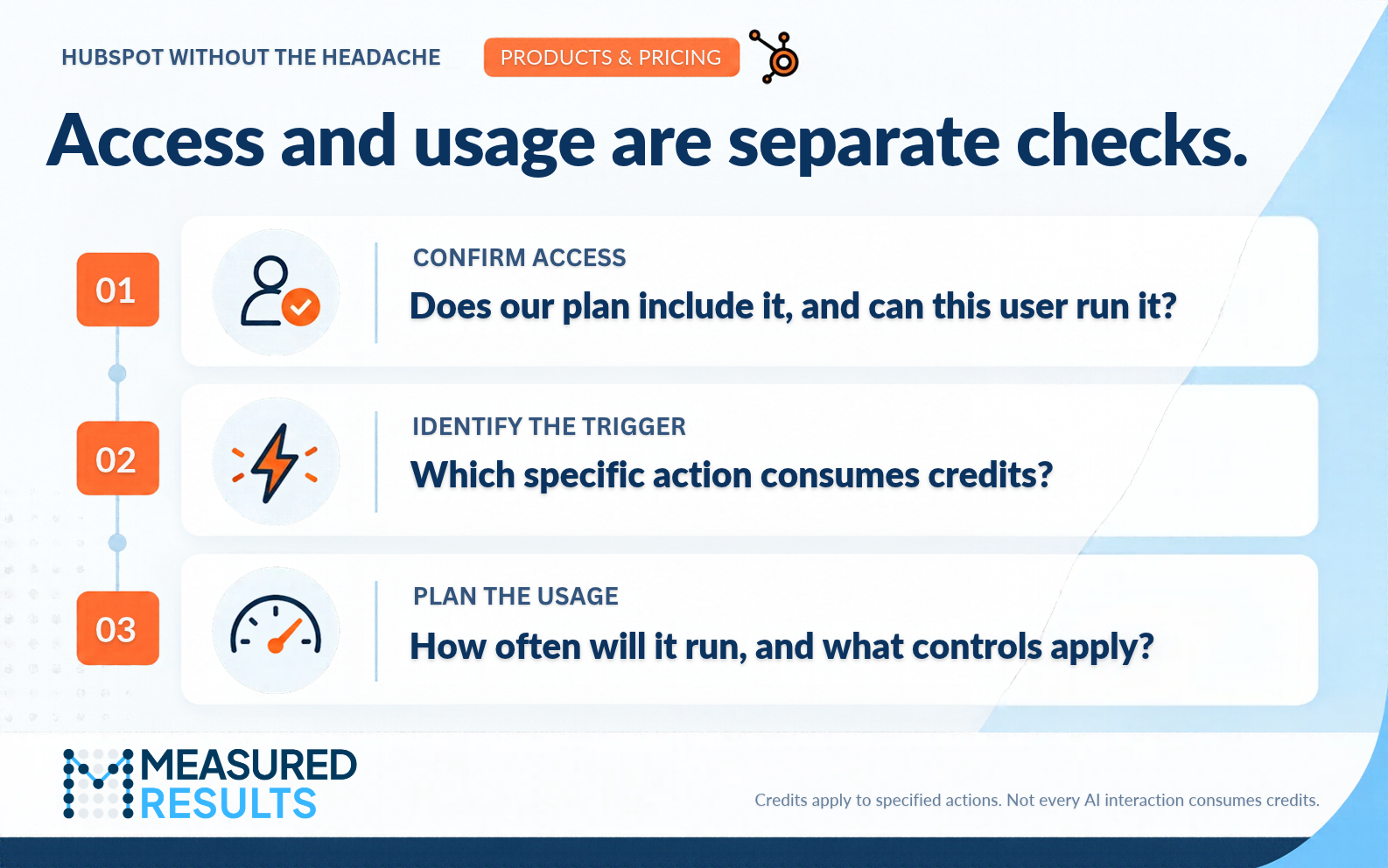
Access tells you whether you can use a feature. Its credit rules explain how usage is counted. Illustration by Measured Results.
See how it works: Your team wants to try a content agent
Imagine your marketing team wants help producing a first draft.
Before switching on an agent, work through three checks:
- Subscription: Is the feature available in our purchased plan and account?
- Access: Does the person using it have the required seat and permissions?
- Usage: Which action consumes credits, how often will it happen, and what billing controls apply?
You now have a focused set of questions to investigate, instead of trying to decode the entire platform.
Our UNBOUND recap explores HubSpot’s broader direction. These three checks help connect that bigger picture to everyday decisions in your account.

Professor Yeti’s Takeaway
You don’t need to memorize HubSpot’s catalog to make a good decision.
Hubs cover capabilities. Seats cover access. Credits cover certain usage.
Pick one feature your team wants to try and work through those three layers. You’ll understand what you already have, and what needs a closer look.
Need a hand? Measured Results can help you connect your HubSpot subscription to the way your team actually works.
Information in this article was accurate as of October 20, 2026. HubSpot’s products, packaging, and pricing may change and can vary by subscription. For the latest details, visit the HubSpot Product & Services Catalog.